← All guides

Updated October 11, 2026

Income, expenses and receipts

Everything your monthly overviews, tax report and Modelo 210 dossier show comes from what you record here: the income your stays bring in and what the property costs you, with a receipt where you have one.

In the app

  1. Step 1

    Finances in the app

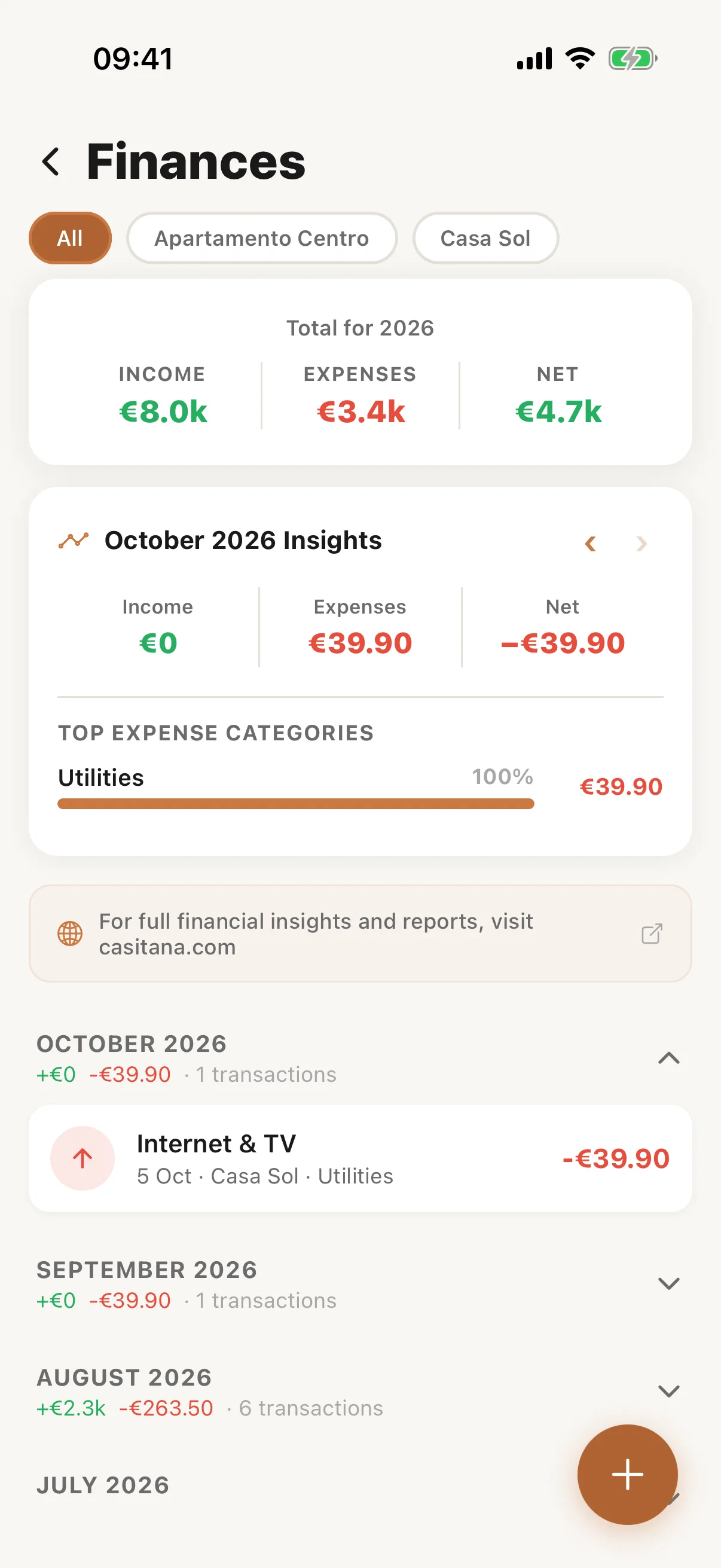
    In the Casitana app, open More and tap Finances. It shows the month’s income, expenses and what is left, with every transaction. The + button adds an expense; tap Photograph receipt to take a picture of the receipt: Receipts by camera.
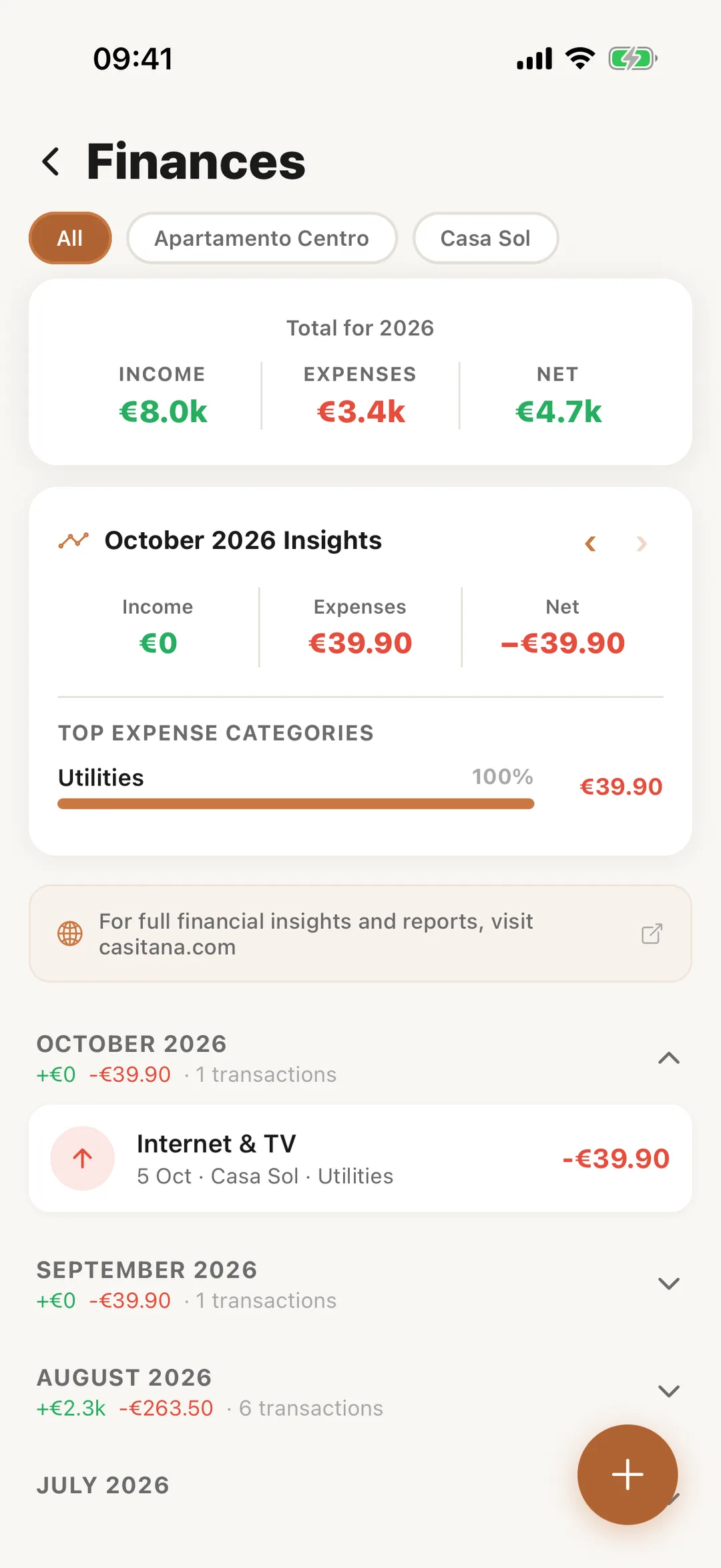
    Screenshot: Finances in the appEnlarge screenshot
Income, expenses and receipts · Casitana