In the app
Step 1
Messages in the app
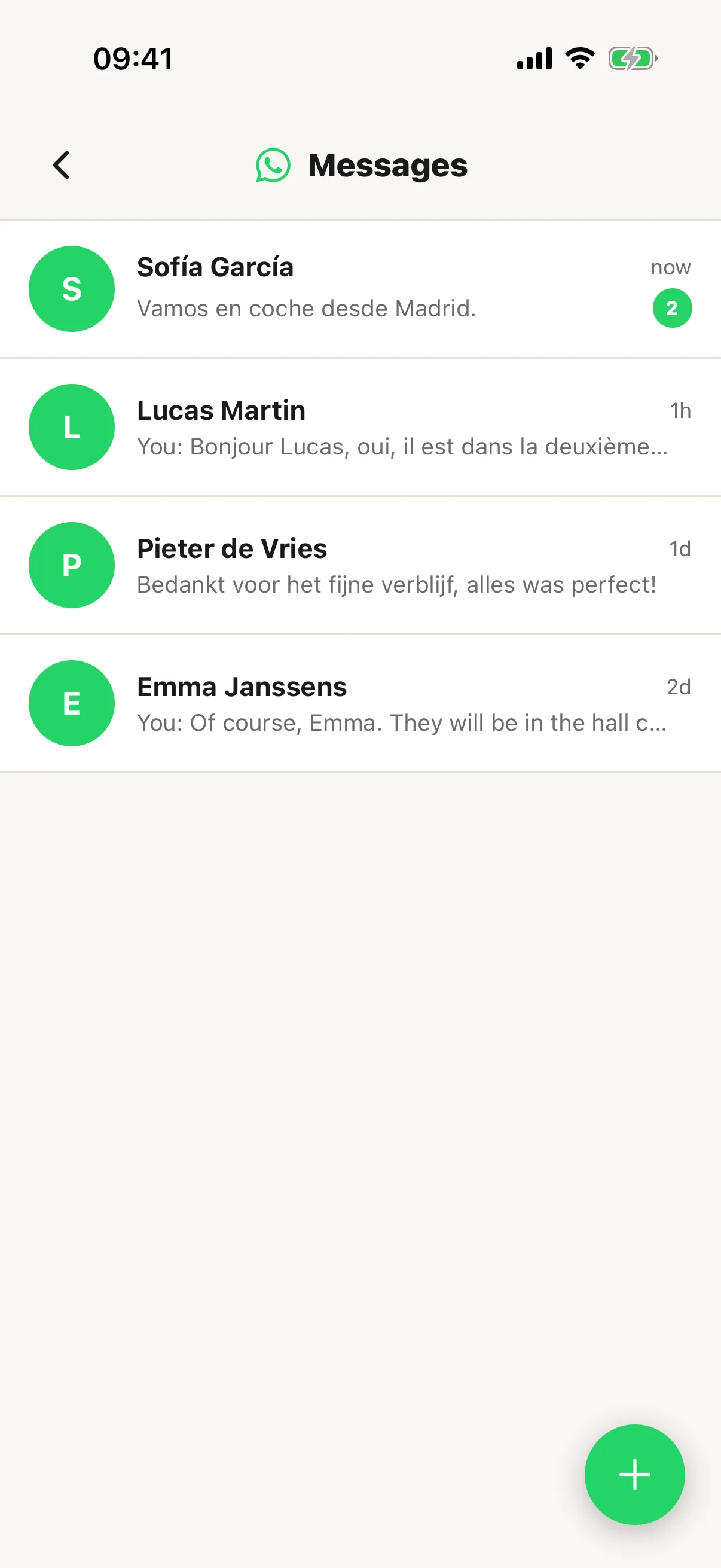
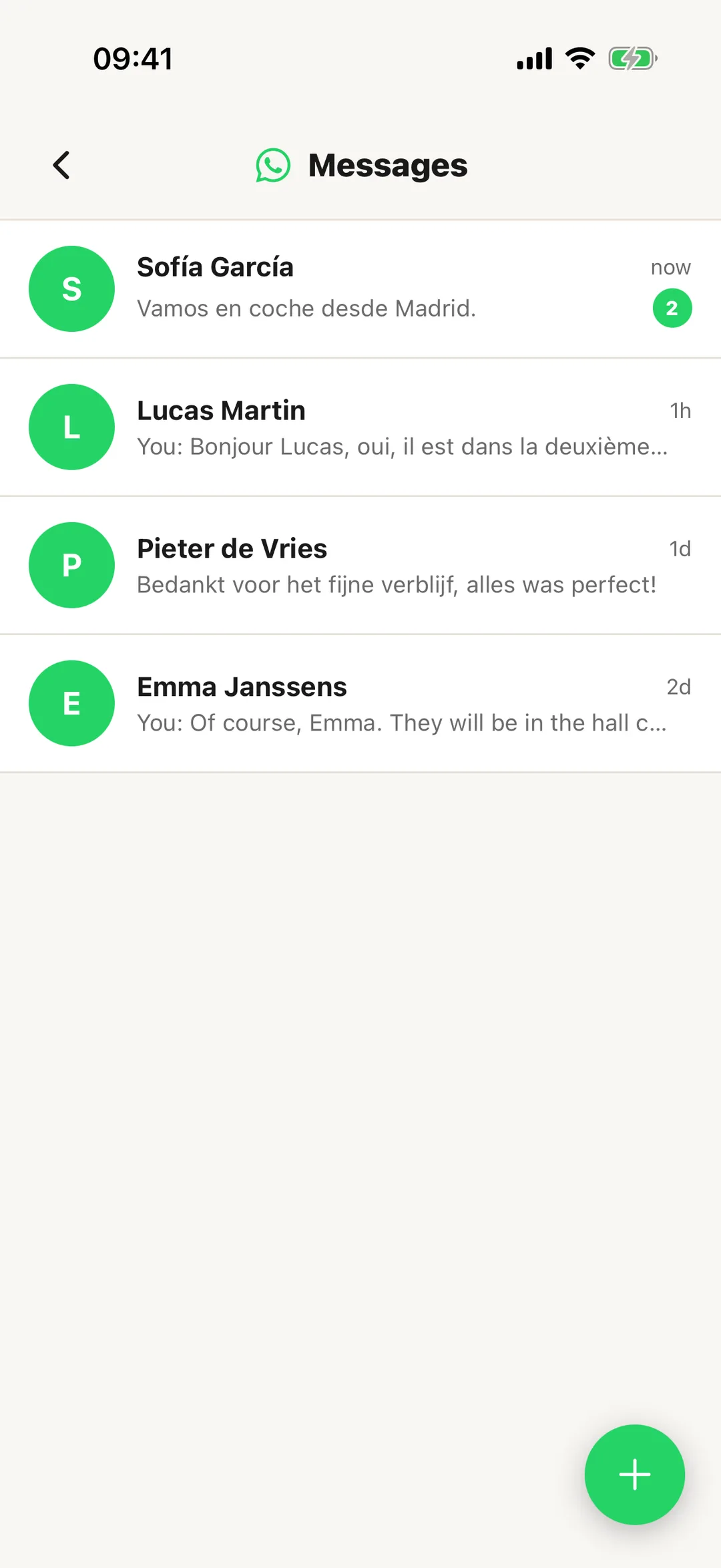
Open More, then Messages. On Growth and Pro it opens your WhatsApp conversations, with a count of unread messages. On Starter the row says Available on Growth.
 Enlarge screenshot
Step 2
Get your WhatsApp number
Before your number is ready, the screen says Your plan includes a free WhatsApp number, and the account holder taps Request your free WhatsApp number; it then reads WhatsApp number requested. If WhatsApp is switched off for the account, the screen says WhatsApp is switched off, with Contact support, which opens a new support ticket.
Step 4
Start a new conversation
The + starts a new conversation. Pick a guest from your bookings or type a phone number, then choose a template. Check the Message preview and tap Send via WhatsApp.