In the app
Step 1
Open the trash in the app
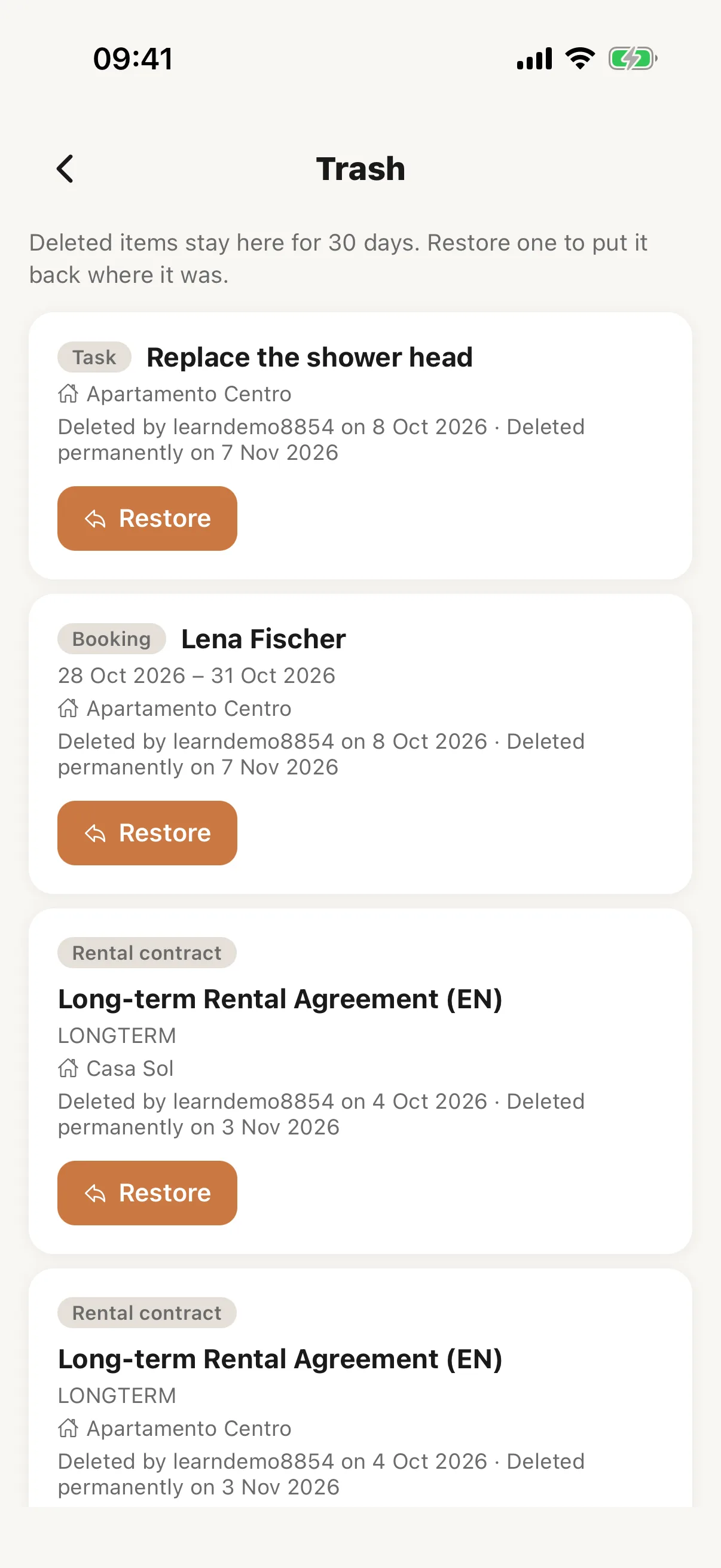
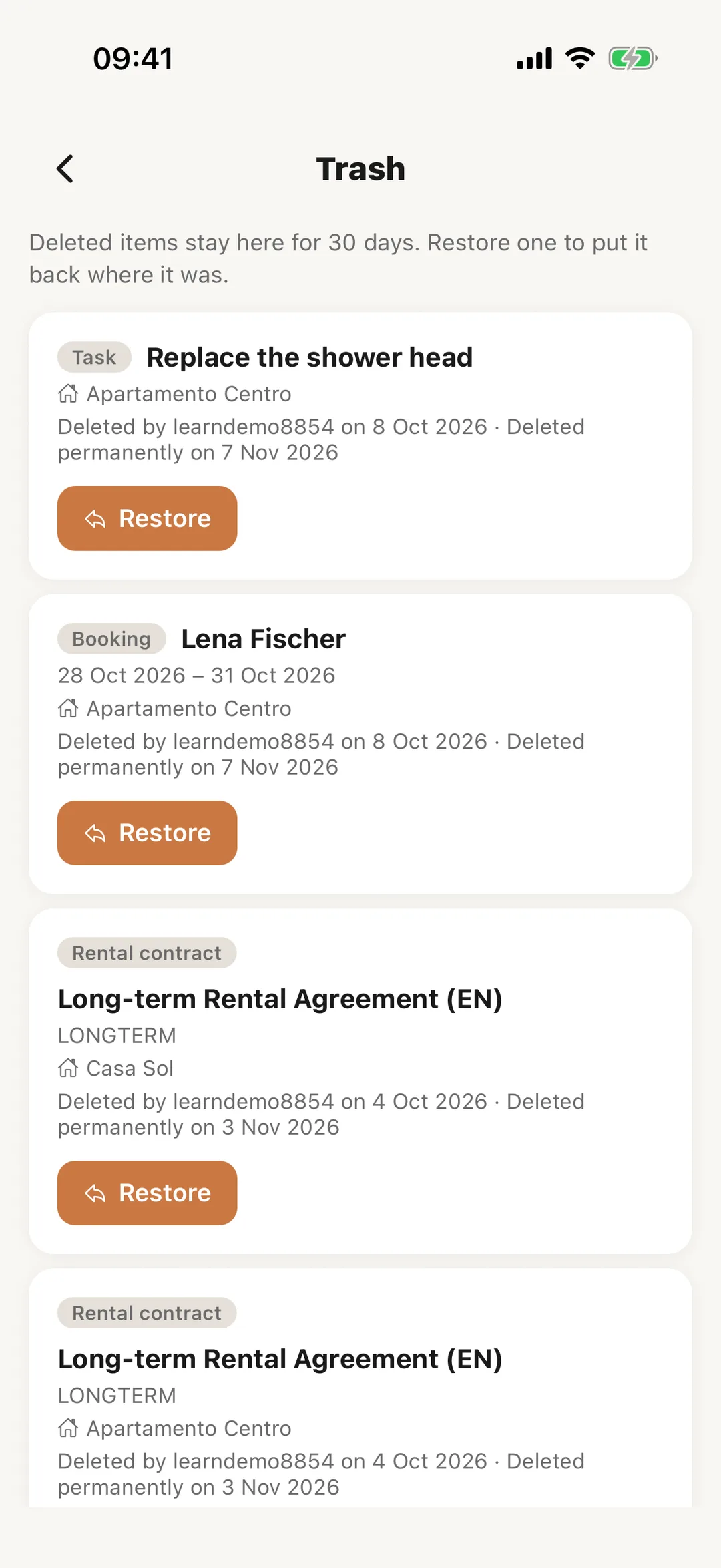
In the Casitana app, open More and tap Trash. Each item shows who deleted it and when it will be deleted for good. Tap Restore to put it back where it was.
 Enlarge screenshot
Step 2
Deleting in the app
What you delete in the app goes to the same trash, and the app says so: “Restore it from More › Trash within 30 days.” Deleting an item for good, and emptying the trash, are done on the website.