In the app
Step 1
Change the language
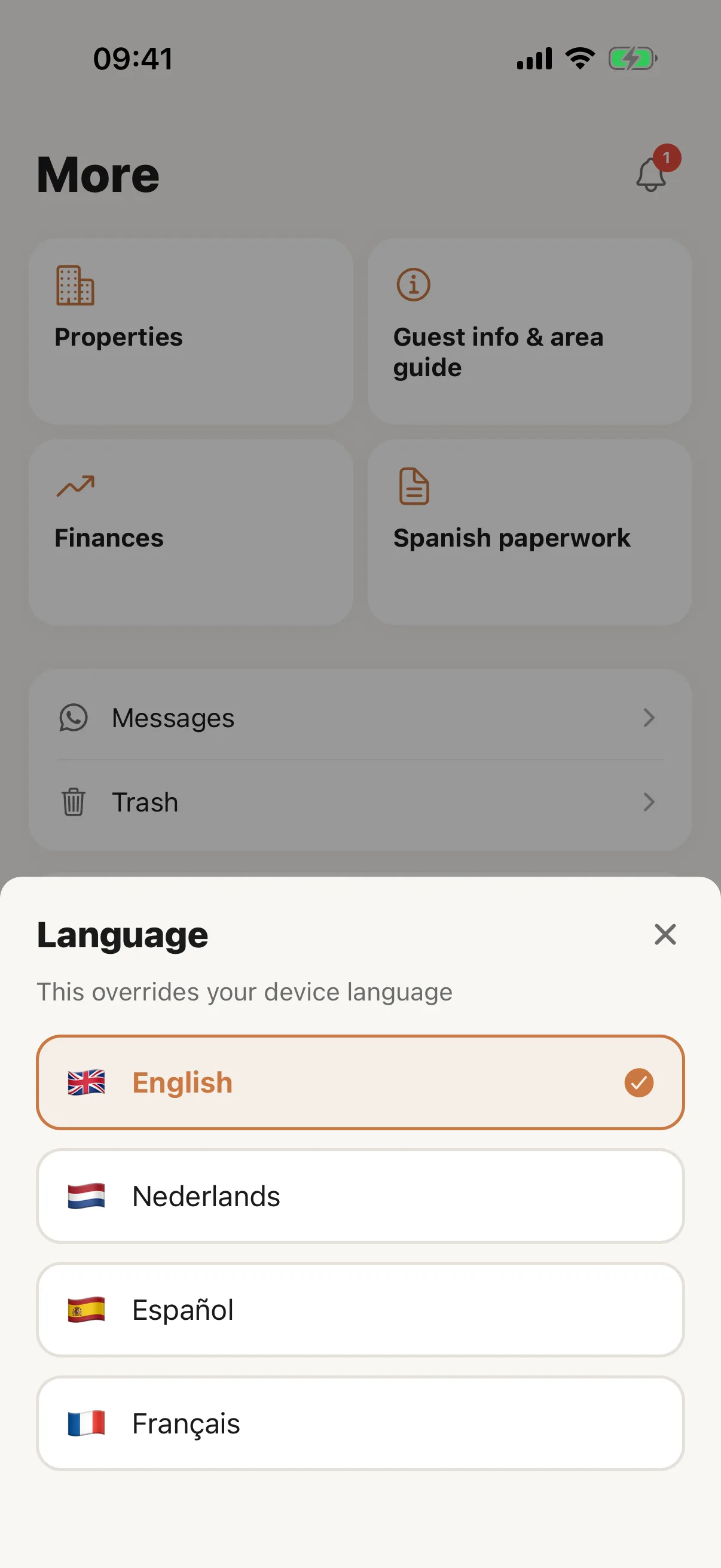
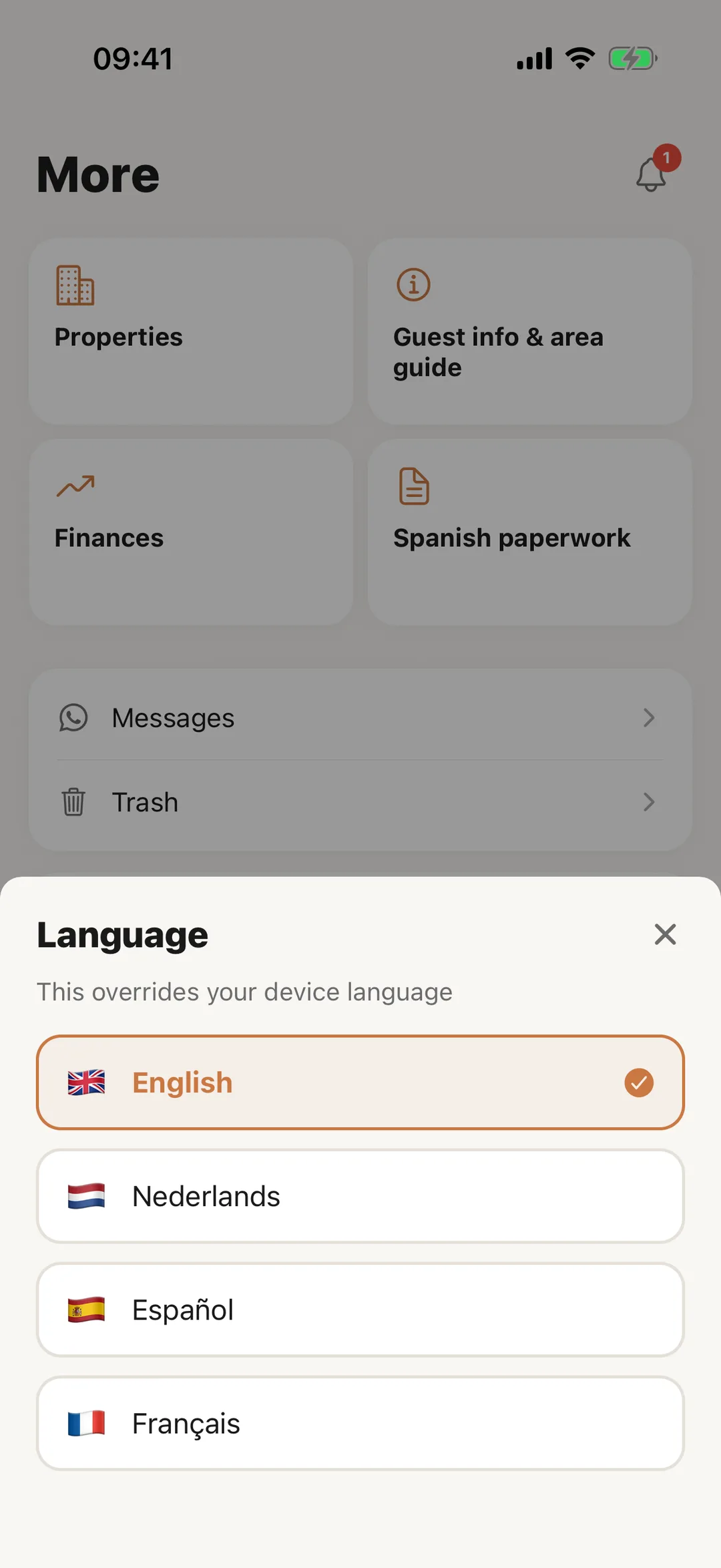
Open More, then Language; the sheet says “This overrides your device language”. Choose English, Español, Nederlands or Français, and the app redraws in it. For the account holder the choice is also saved to the account, where it sets the language of emails. A staff member’s choice stays on their own phone.
 Enlarge screenshot
Step 2
Your profile
Open More, then Edit Profile. Change your Name and Phone and tap Save. The email cannot be changed in the app: it says to contact help@casitana.com. Change password is there too, except for an account that signs in with Google or Apple.
Good to know: A staff member’s name is managed by the account holder.
Step 3
Notification settings
The account holder opens More, then Notification Settings. Under Notification channels choose Email and Push (push goes to this phone). Then there is one switch per event: New bookings, Check-in reminders, Check-out reminders, Task reminders and WhatsApp messages. Each switch saves at once, and turning an event off stops it everywhere, in the app too.
Good to know: Every setting in detail is on the website: Reminders by email.
Step 4
Time zone and currency stay on the website
Your time zone and display currency are set on the website only: Your name, time zone and currency. The app shows amounts in euros.