In the app
Step 1
Spanish paperwork in the app
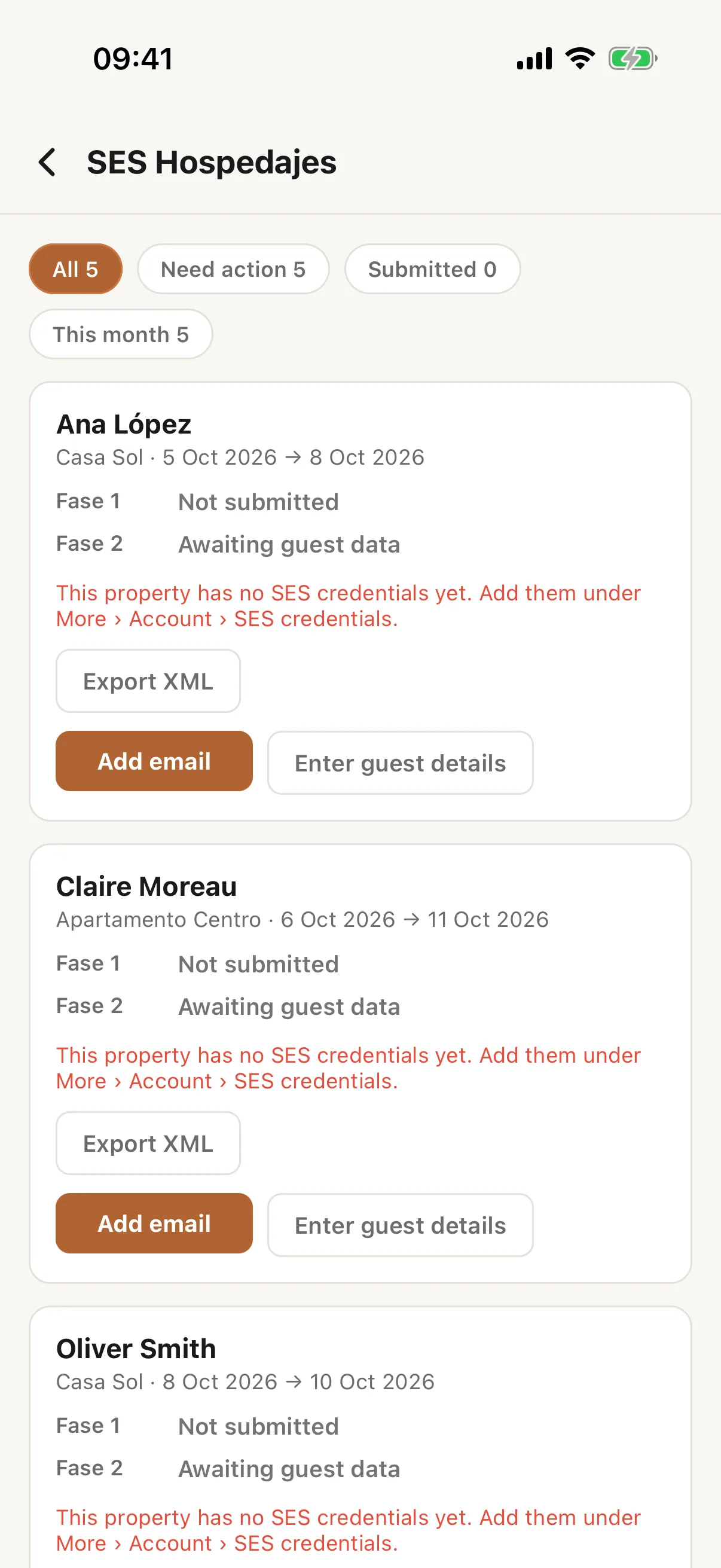
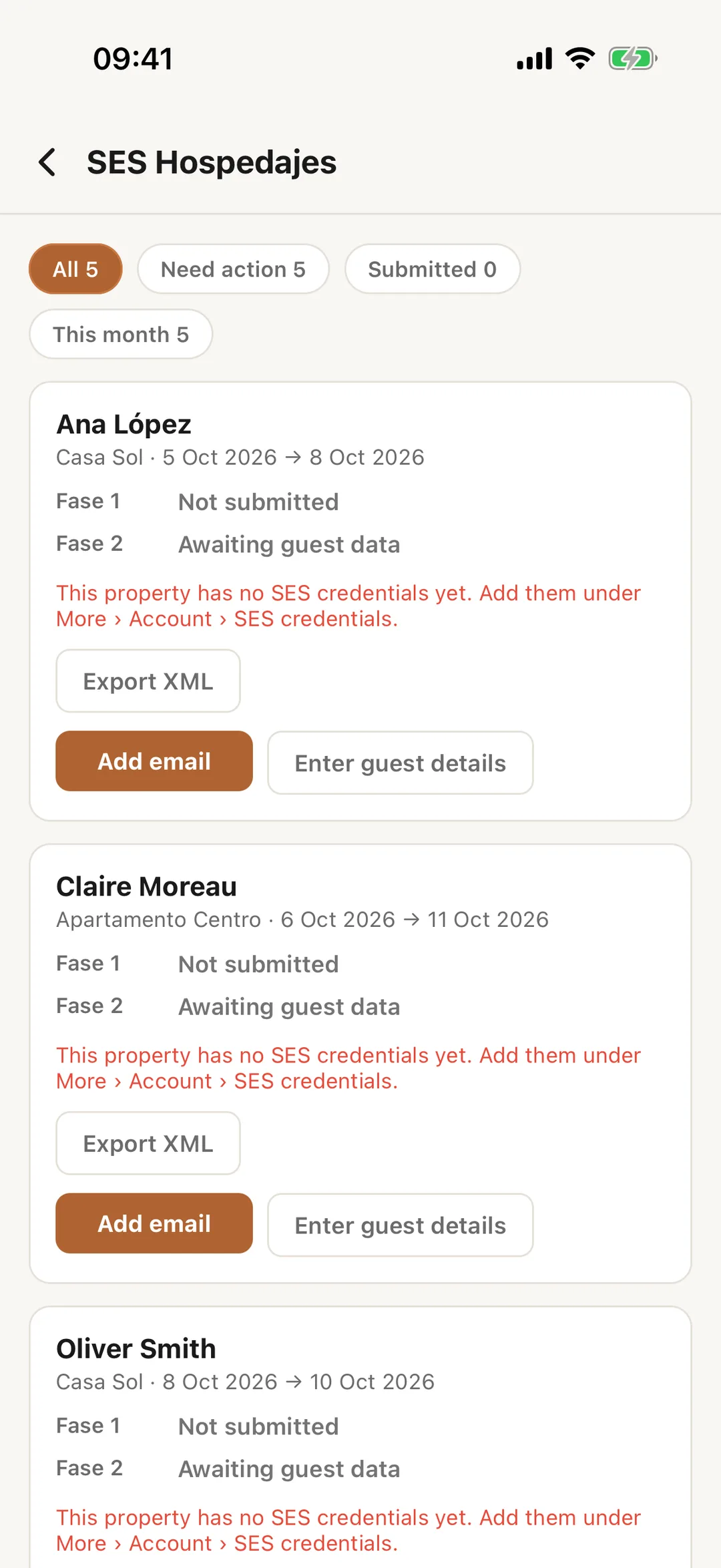
Open More, then the tile Spanish paperwork. On the Free plan the tile has a lock and the plan name Starter. The screen lists stays with a Fase 1 and a Fase 2 line each, showing where each filing stands. Use the filters All, Need action, Submitted and This month; Show past stays shows older ones.
 Enlarge screenshot
Step 2
Work on a stay
The buttons under a stay are the ones the website offers: share the registration link with Share registration link (Copy link, Copy message in the guest’s language, or Share), email the form, open the guests (Edit details corrects one), or file now. Exporting the file for the SES portal and confirming a manual upload are done on the website. Tap one of them in the app and it tells you to open Casitana in a browser.
Step 3
Withdraw a filing in the app
On a cancelled stay the app asks Why are you withdrawing this?; write at least 10 characters. Then tap Withdraw from SES. More on withdrawing: Withdraw a filing.
Step 4
Add your SES credentials
Open More, then SES credentials under Account; only the account holder sees it. Tap + to add an arrendador account and fill in Name, Código de arrendador, WebService username and WebService password. Test connection checks them. To link a property, open Edit property and look under Spain Compliance.