In the app
Step 1
The Care tab
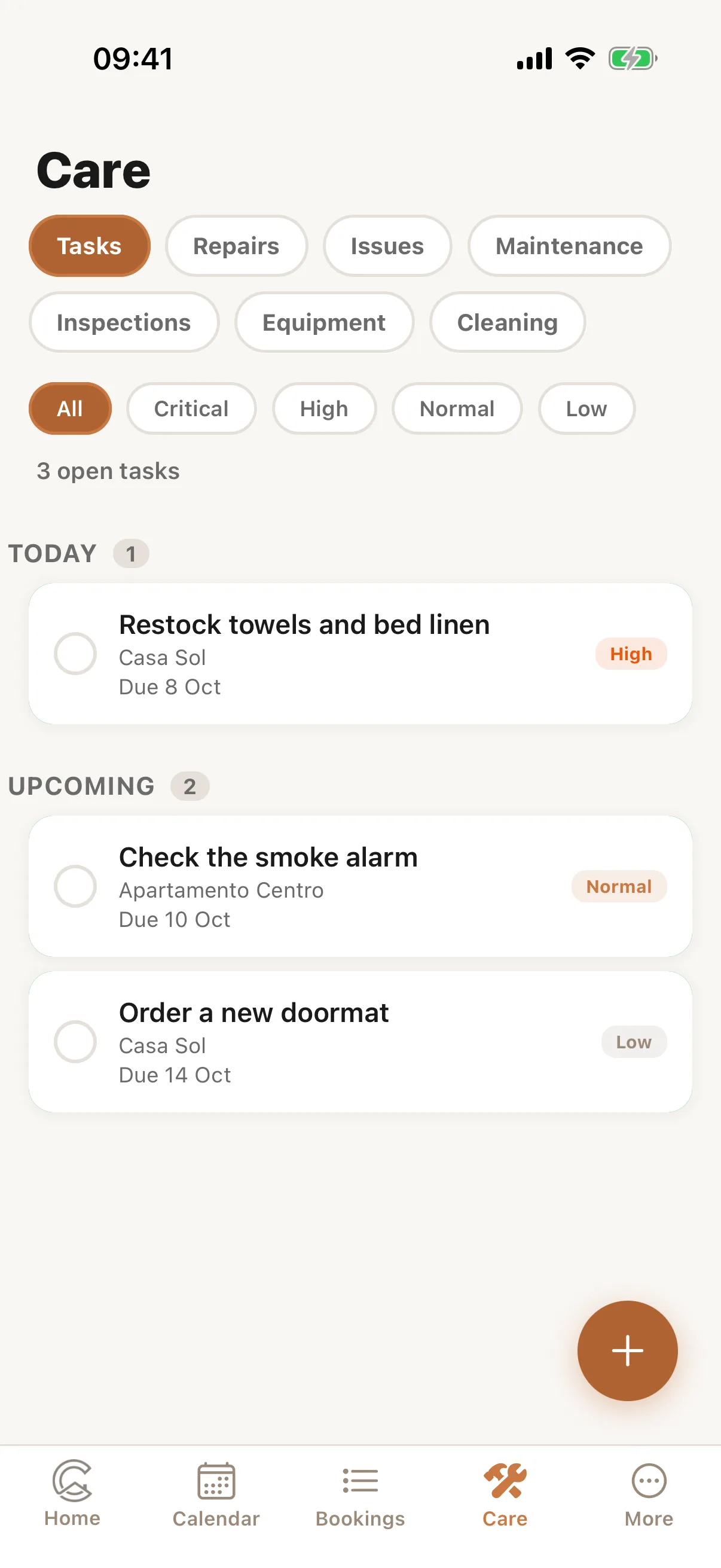
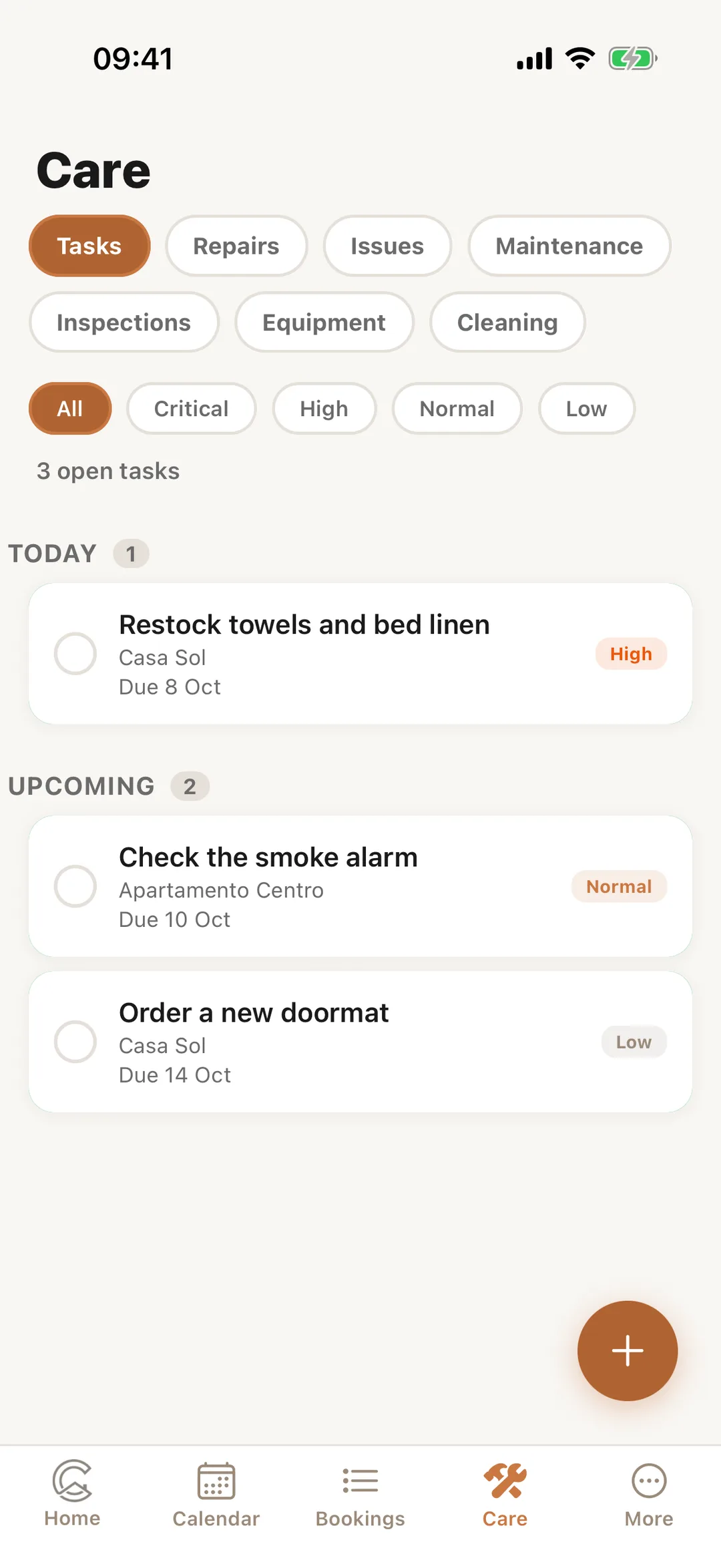
In the Casitana app, Care holds your Tasks, Repairs, Issues and the rest, one segment each. Tap an item to see it, mark it done, or add a photo or a PDF; the + button adds one, and its photos and PDFs can go with it straight away. What you change in the app is on the website too.
 Enlarge screenshot