On your phone
Step 1
Allow notifications
After you sign in to the Casitana app, your phone asks whether Casitana may send notifications. Allow it to get push. If you said no, turn it on in your phone’s settings under Notifications, then Casitana.
Step 2
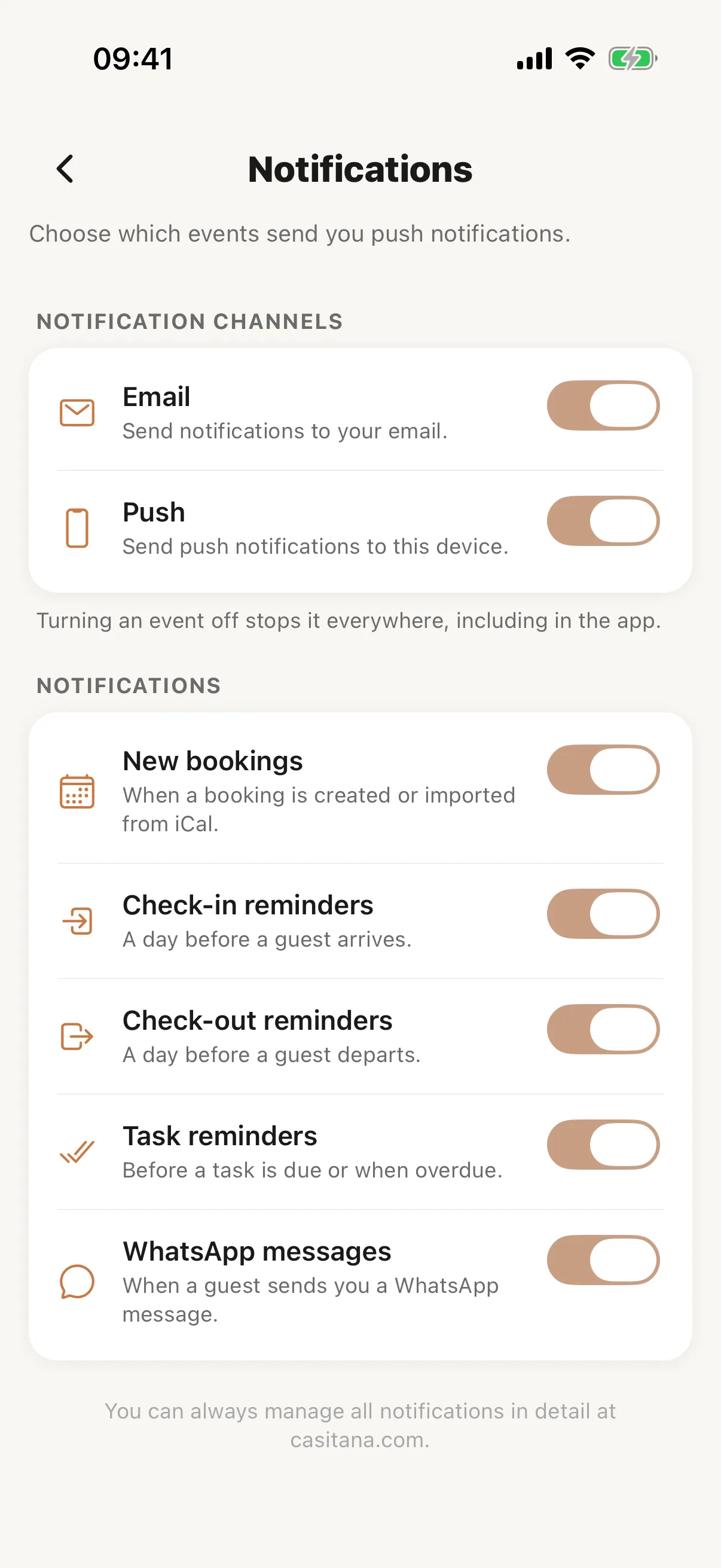
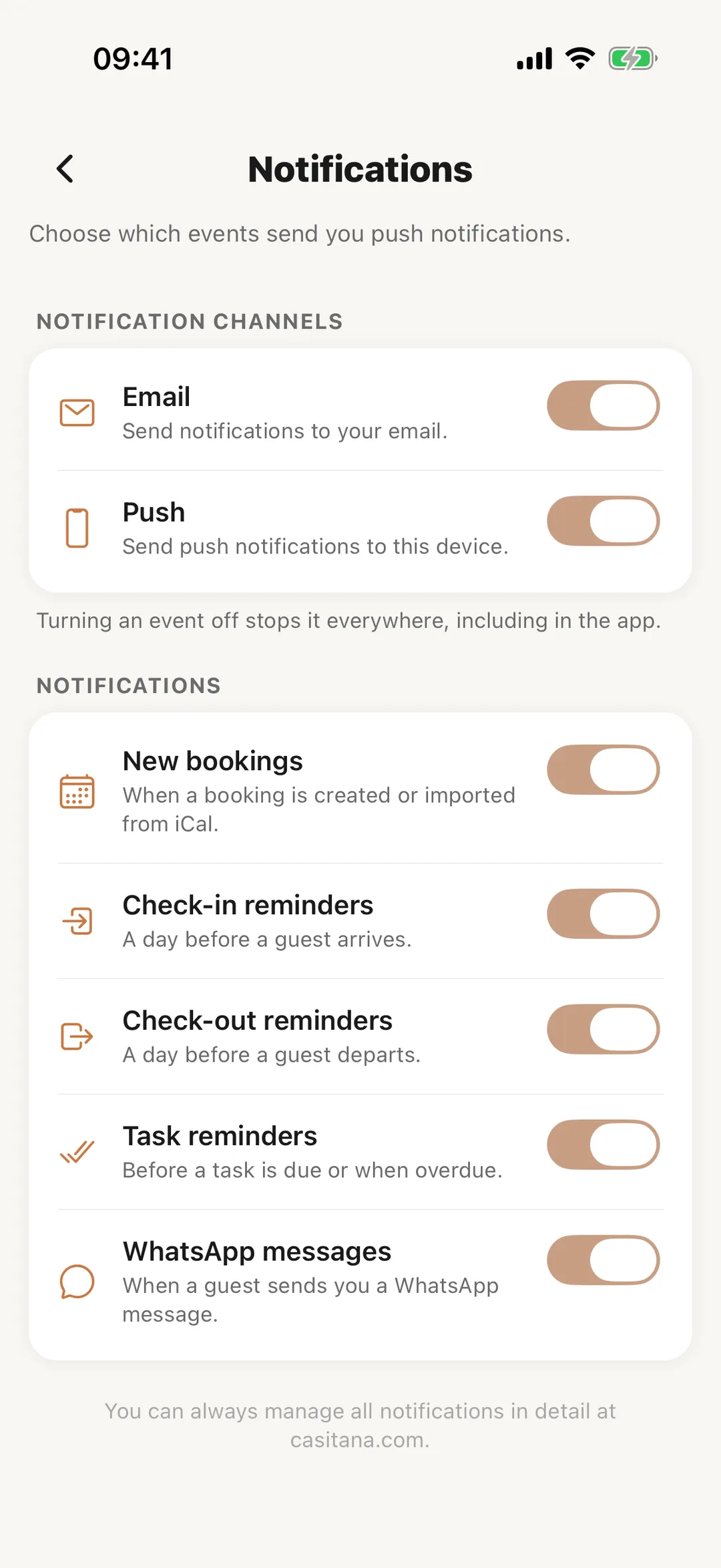
The app’s notification settings
In the app, the bell at the top of the screen opens your Notifications. Under More, Notification Settings has the same Email and Push switches and the main events, and saves to the same account as the website. The timing of reminders and the SES switch are on the website only.
 Enlarge screenshot