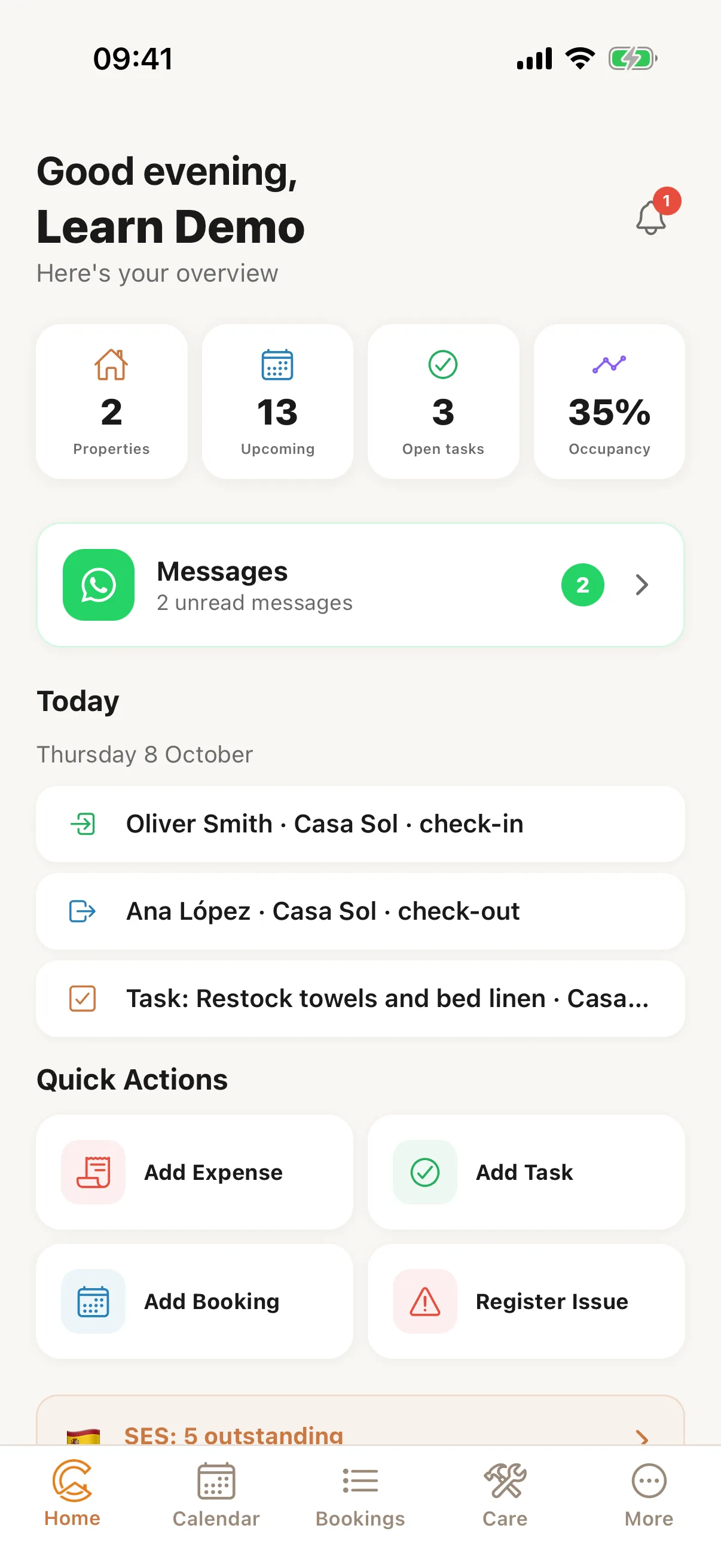
Home in the phone app
Step 1
The Home tab
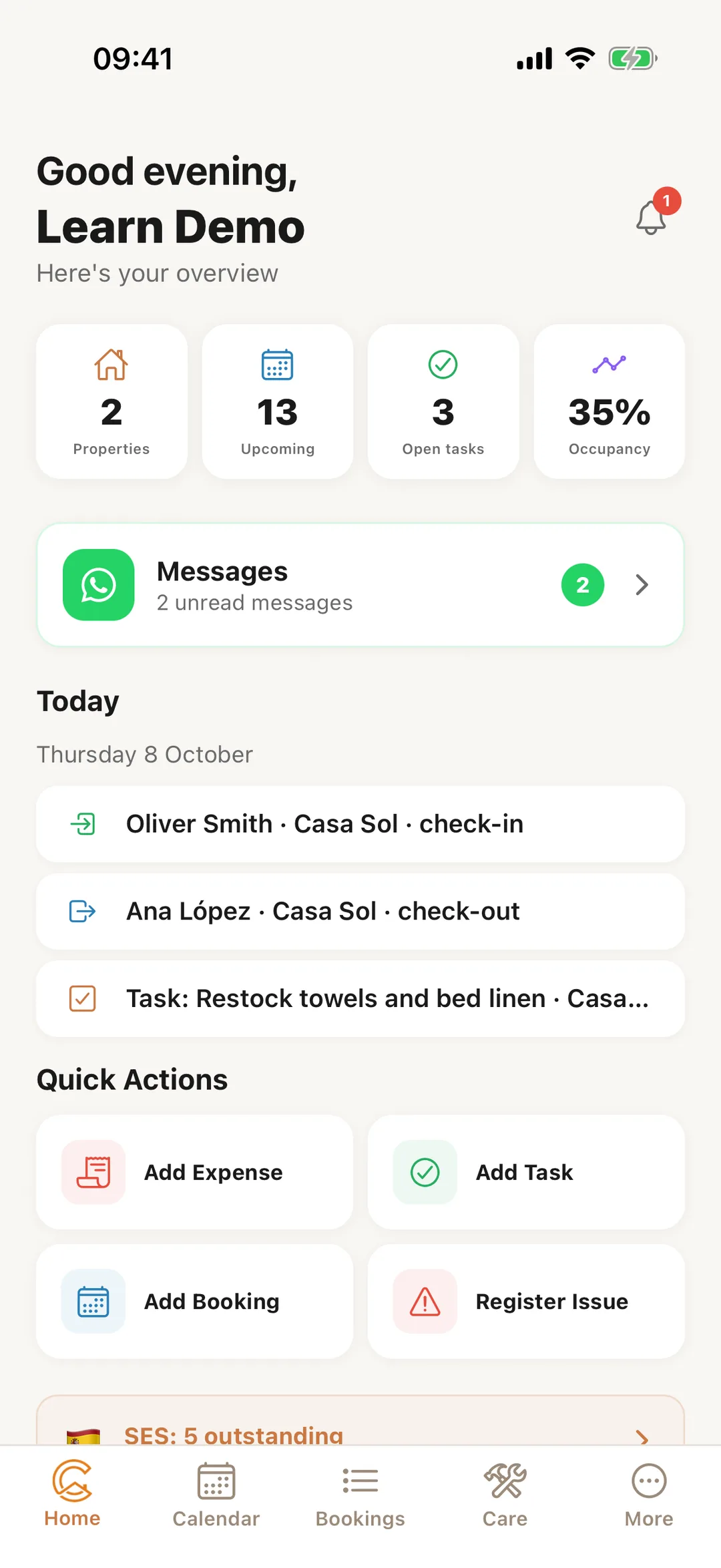
In the Casitana app’s Host layout, Home is the first tab. It shows today’s arrivals and departures, your figures, upcoming bookings and open tasks, and the quick actions Add Expense, Add Task, Add Booking and Register Issue. The bell at the top opens your notifications; the app’s settings are under More. In the Manager layout the app opens on Bookings instead. More in The Casitana app for iPhone and Android.
 Enlarge screenshot