In the app
Step 1
On the property’s page
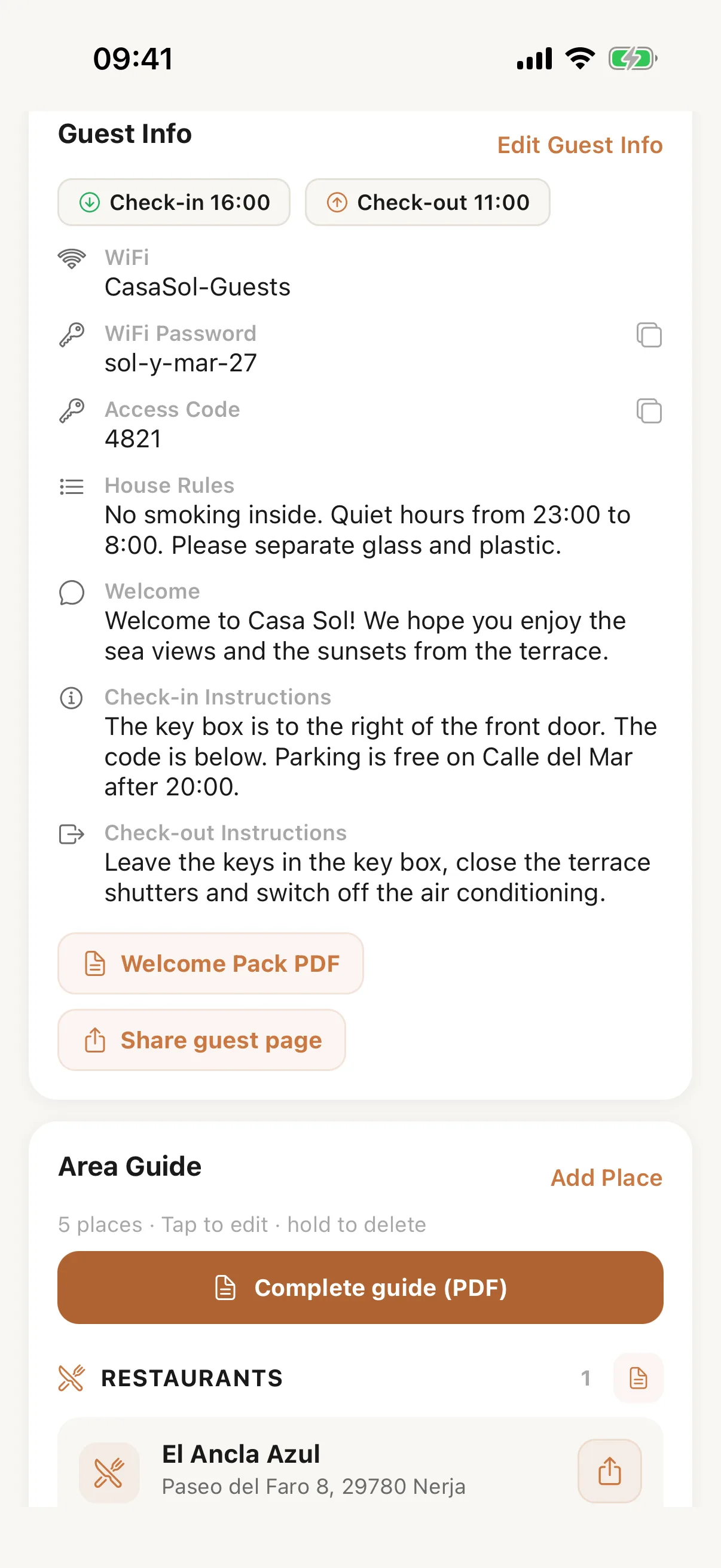
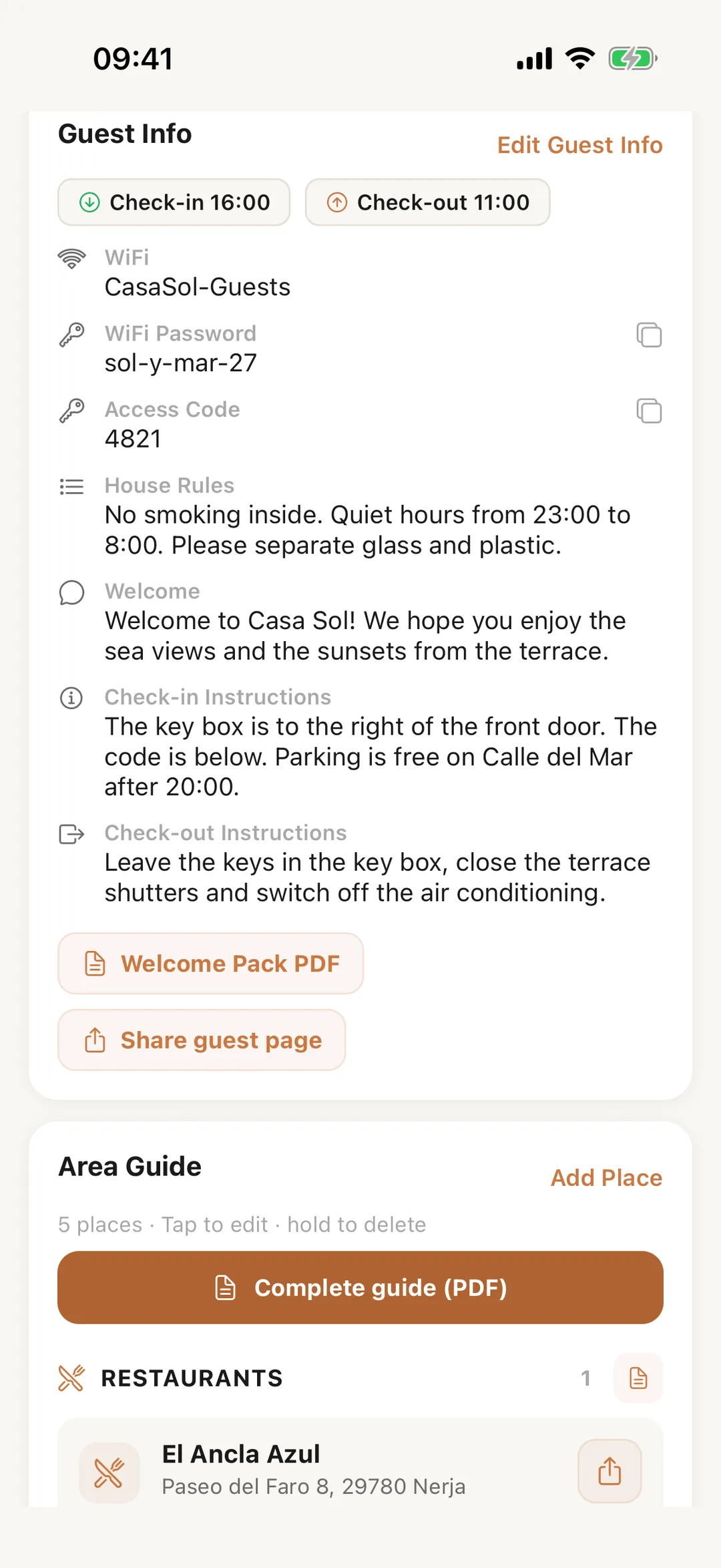
In the Casitana app, open a property: its guest information, area guide and guest PDFs are on its page. Change the Wi-Fi, the door code, the times and the instructions, add a place to the area guide, or make the area guide or welcome pack PDF to share. In the Host layout, More also has Guest info & area guide, which asks which property first.
 Enlarge screenshot
Step 2
Send it to a guest
On a booking, tap … and Send guest info. The app writes a message with the guest’s name, the stay’s dates and the link to the guest page, and opens your phone’s share sheet: pick WhatsApp, Mail or any other app. A property without guest information yet asks you to add it first.