
← All guides

Updated October 7, 2026

Get support from the Casitana team

A question about Casitana, something that does not work as it should, an idea: open a ticket and the Casitana team answers in the same place. Every ticket keeps its whole conversation, so you never have to explain twice.

In the app

  1. Step 1

    Open Support in the app

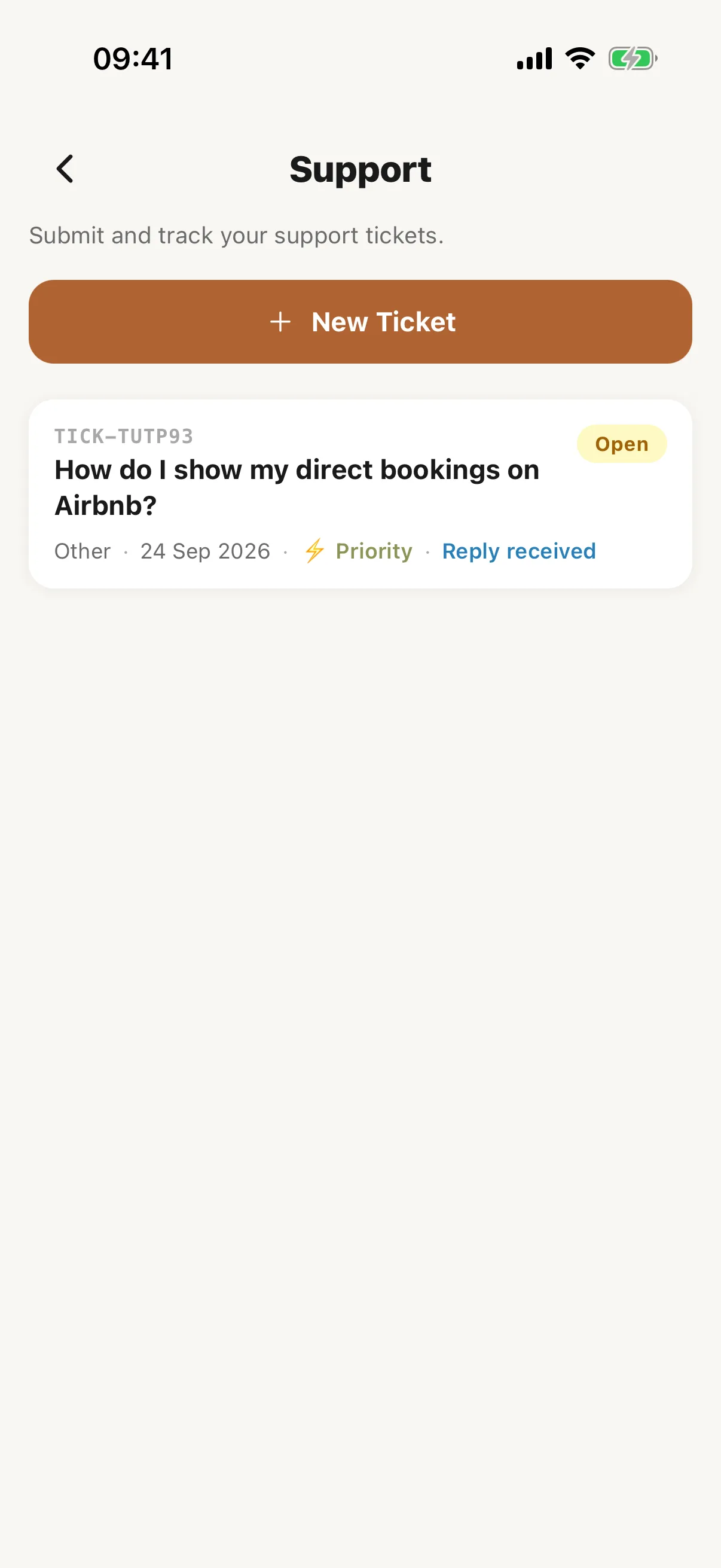
    Open More, then Support under Help. These are the same tickets as on the website. Each one shows its status (Open, In progress, Resolved or Closed), and an answered one says Reply received.
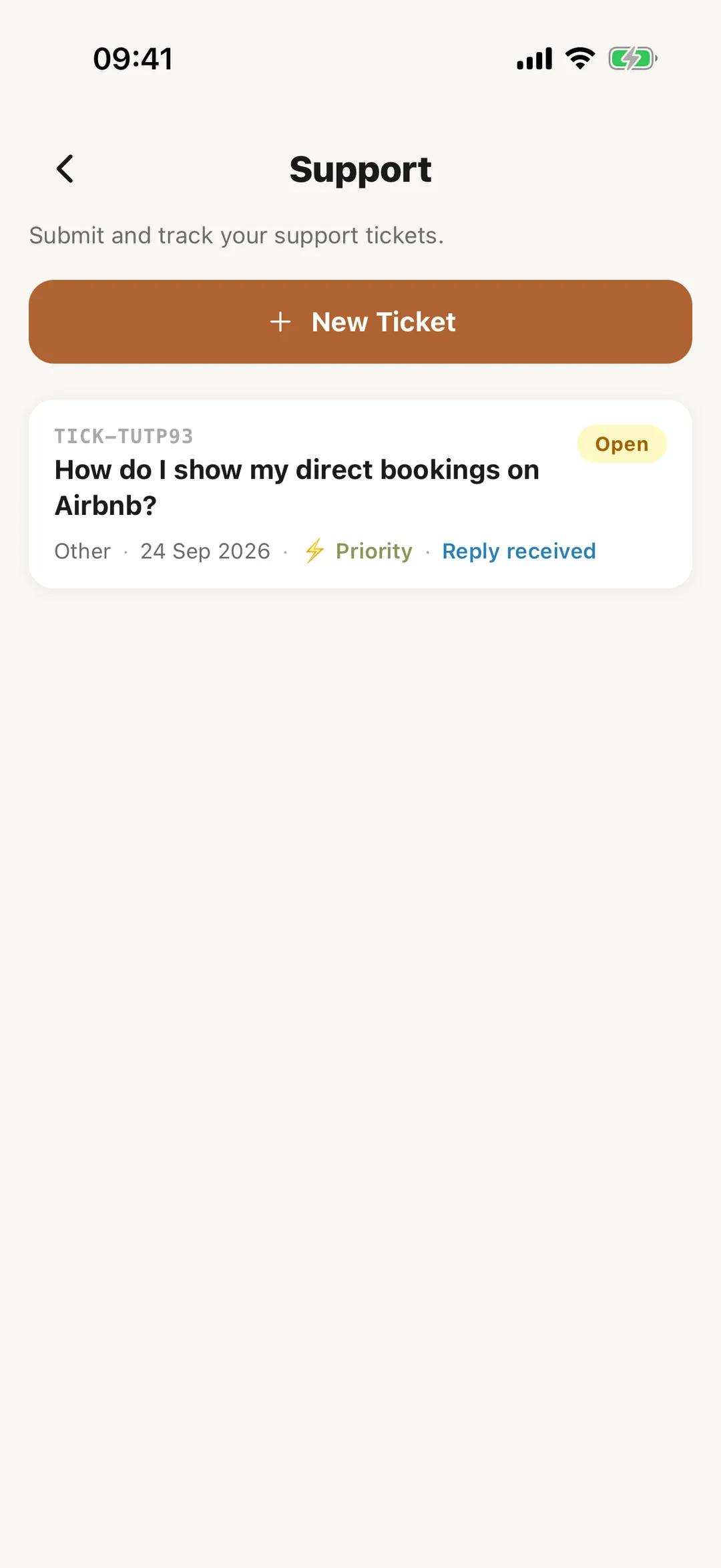
    Screenshot: Open Support in the appEnlarge screenshot
  2. Step 2

    Open a new ticket

    Tap New Ticket and fill in Subject, Category (Bug report, Feature request, Billing or Other) and Message, which needs at least 20 characters. Tap Create ticket; the app shows Ticket created with its number. Reply email shows the address your replies are emailed to.
  3. Step 3

    Read and answer a ticket

    Tap a ticket: under Conversation you see Casitana’s replies, marked Casitana reply. Type under Your reply and tap Send reply. A closed ticket cannot be answered; the app says: “This ticket is closed. Open a new ticket to continue.”

Get support from the Casitana team · Casitana