
Download your data
Step 1
Open Privacy & Data
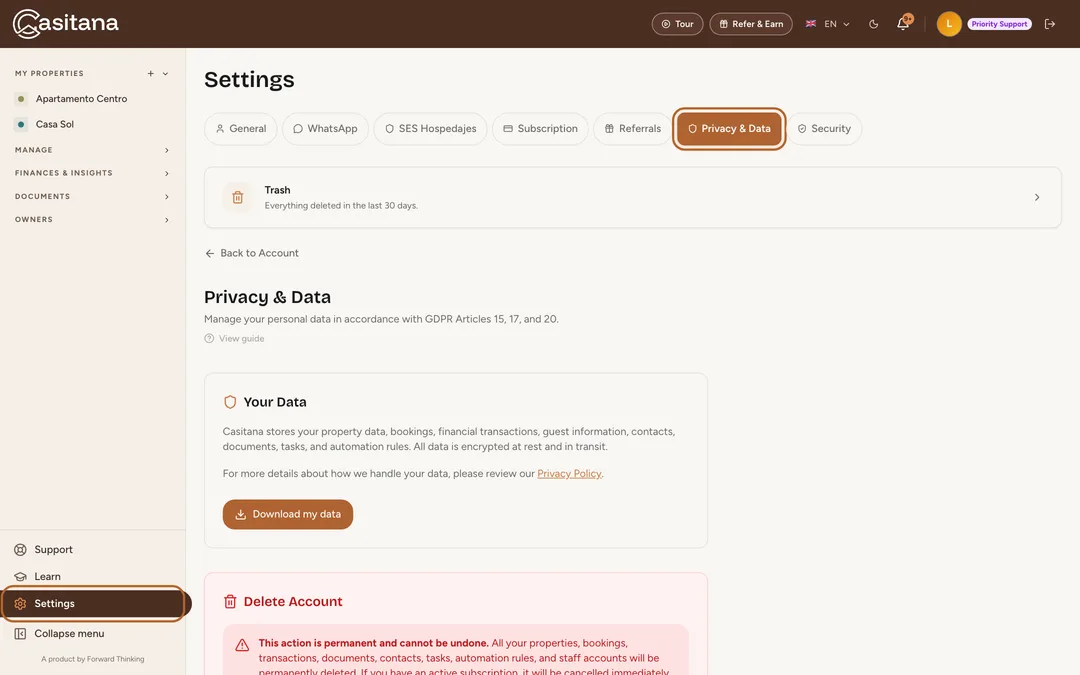
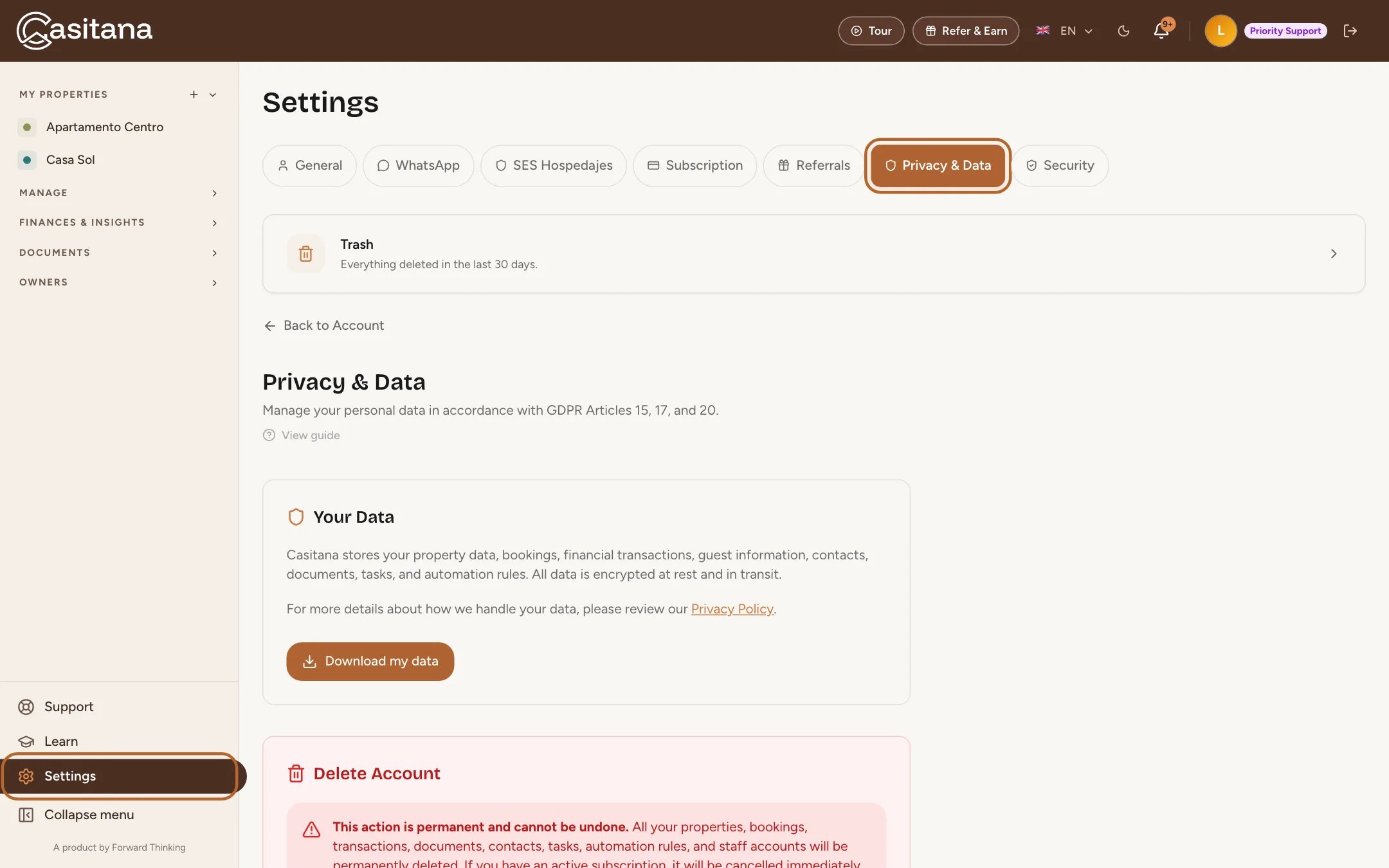
At the bottom of the menu on the left, click Settings, then the Privacy & Data tab. Everything in this guide is on that one page, with a link to Casitana’s Privacy Policy.
 Enlarge screenshot
Step 2
Download a copy of your data
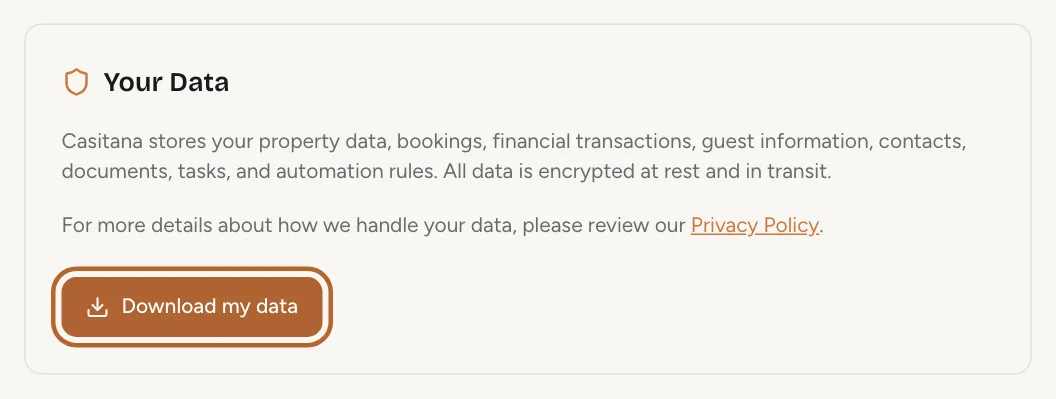
Under Your Data, click Download my data. Casitana prepares one file with the data it holds about your account (your properties, bookings, guests, contacts, documents, tasks and more) and your browser saves it.
 Enlarge screenshot
Good to know: You can download this copy once a day. If you try again sooner, the page asks you to wait.
Delete your account
Deleting your account removes your properties, bookings, transactions and everything else in it, for good. Download what you need to keep first.
Step 3
Keep your records first
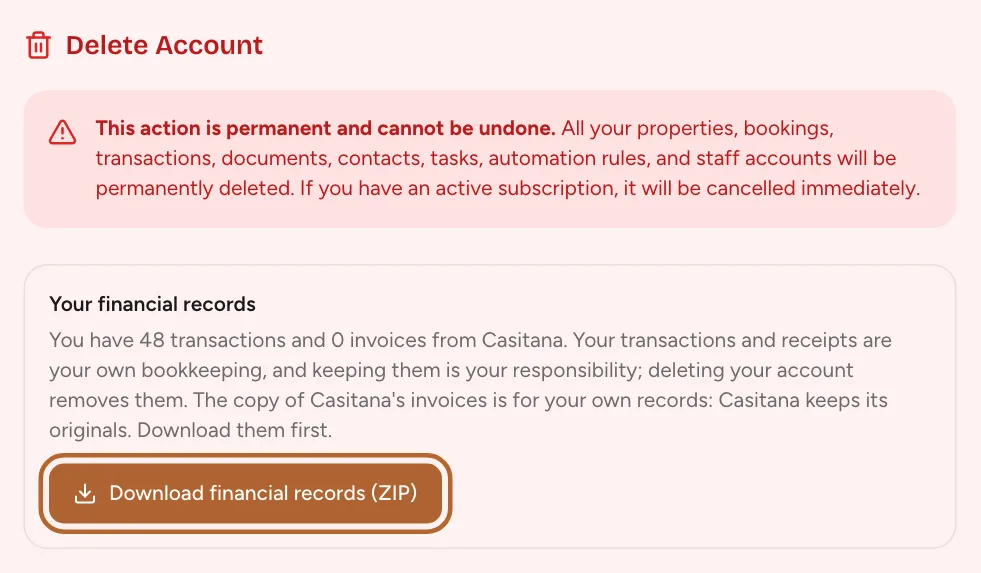
Under Delete Account, Casitana offers the records you may need after your account is gone. Your financial records: click Download financial records (ZIP) for a ZIP with your transactions, your receipts and a copy of any invoices Casitana issued you. If you registered guests with SES Hospedajes, Your SES Hospedajes records appears too: click Download SES records (CSV) for your guest register and filings in one spreadsheet.
 Enlarge screenshot
Good to know: As the page says, you are legally required to keep your guest register and your SES filings for 3 years (Real Decreto 933/2021), and your transactions and receipts are your own bookkeeping. Once your account is deleted, Casitana keeps no copy of either.
Step 4
Delete your account
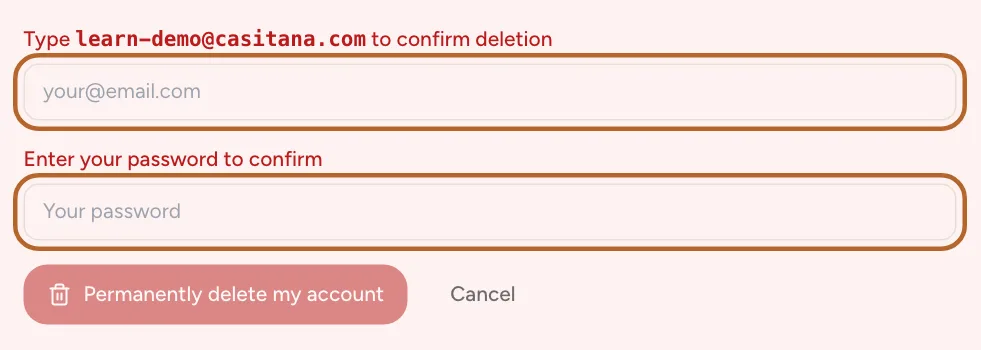
Click Delete my account. Type your email address and your password, then click Permanently delete my account. Casitana deletes the account, signs you out and takes you to the login page. Changed your mind? Click Cancel instead. In the Casitana app, Delete Account, the last row under More, Account, opens this page on casitana.com; the deletion itself is done here, on the website.
 Enlarge screenshot
Tip: Signed up with Google? You only need your email address; there is no password to enter.
Good to know: This action is permanent and cannot be undone. An active subscription is cancelled at the same moment.
Step 5
What Casitana keeps
Casitana keeps its own invoices and billing records for 10 years, as Belgian accounting law requires, with just the billing name, address and tax ID an invoice needs. The copy in your ZIP is for your own records; Casitana keeps the originals.