In the app
Step 1
What staff see in the app
Staff use the Casitana app for iPhone and Android with the same login, and choose their own layout. They see the same areas and the same properties as on the website: a tab or tile for an area they have no access to is not there, and under More, Account holds only their own settings, not your subscription, SES credentials or notifications. What they delete in the app goes to the trash, as on the website.
Step 2
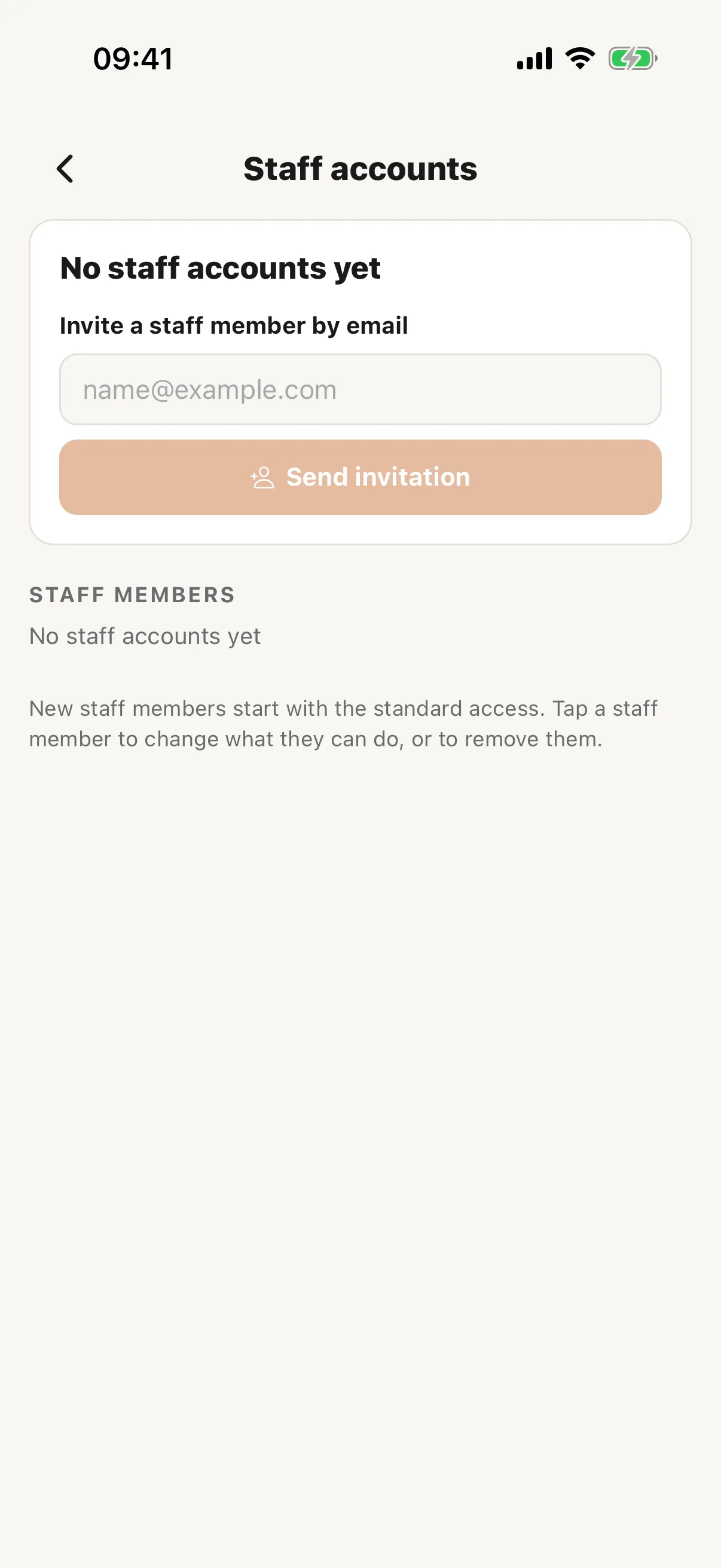
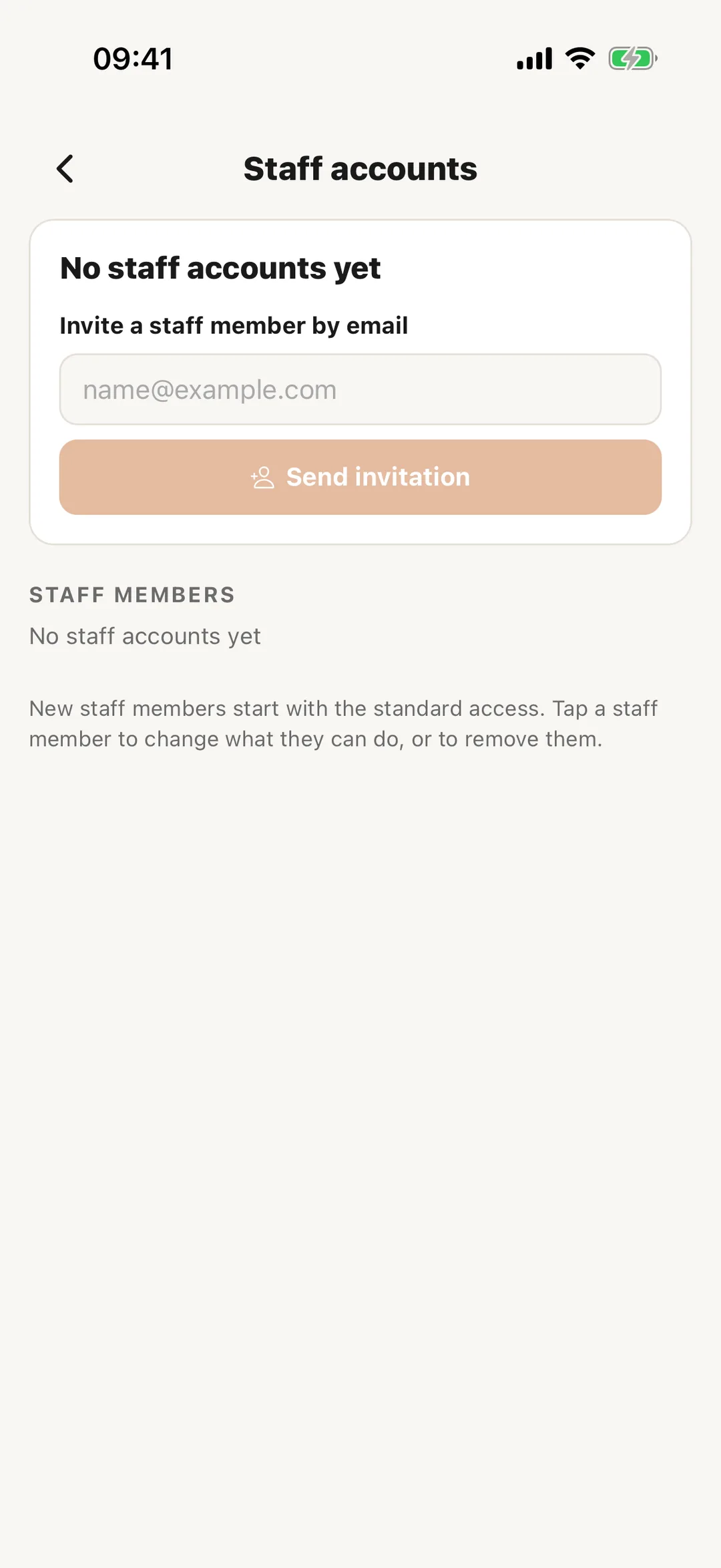
Your staff in the app
In the Manager layout, More has Staff accounts: your staff members, when each last signed in, and open invitations. Tap a staff member to change what they may do, area by area, and which properties they see, or to remove them. When the next seat is already covered, by a free seat from Casitana or one you have paid for, you can invite someone by email right there. Otherwise, and to resend or cancel an invitation, use the website.
 Enlarge screenshot